


Unsere besondere Stärke besteht darin, die Digitalisierung und Automatisierung von Systemkomponenten und deren Entwicklung effizient voranzutreiben. Der Lokalisierung von Fahrzeugen und Objekten gilt unsere Leidenschaft. Das spezielle Know-how in diesem Bereich macht uns einzigartig.

Digitalisierung

Automatisierung

Lokalisierung
Innovative Software- und Systemlösungen
Über uns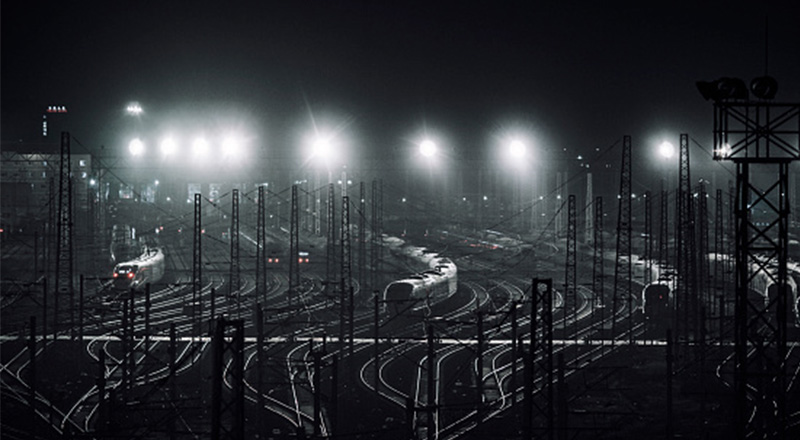
Bahntechnik
Wir entwickeln innovative Konzepte für die Bahntechnik und bringen Impulse und Best Practices aus anderen Branchen mit ein, beispielsweise für die hochgenaue und sichere Lokalisierung in SmartRail 4.0.
Telematik
In der GNSS-basierten Maut und für andere Telematik-Dienste können wir auf nahezu 20 Jahre internationale Erfahrung zurückgreifen. Damit eröffnen sich ungeahnte Möglichkeiten in der Nutzung des Fahrzeugs als Sensor.
Automotive
Mit dem hochautomatisierten Fahren steigt die Vernetzung mit der Umgebung und anderen Verkehrsteilnehmern. Wir verbinden Telematik mit Automotive und unterstützen zukunftsweisende Anwendungen wie Car2X oder moderne Fahrwerksfunktionen.
Unsere Produkte

ecICP
Intelligente Regler-Parametrierung
ecCST
Embedded-Regler für Ihre Applikation
IDCON Nonlinear
Automatische Modellierung aus Messdaten

Smartphone
als Sensor
Plattform-übergreifende App-Entwicklung

Software Telematik Plattform
für On-Board Units und Backend-Lösungen